How | Tips | Answer

Friday, June 21, 2019

How to Cool colors

Cool colors include greenblue, and purple. Cool colors are usually calming and soothing but can also express sadness. Purple is often used to help spark creativity as it’s a mixture of blue (calm) and red (intense). If a company wants to display health, beauty or security, incorporate these colors.

Green


Green symbolizes health, new beginnings and wealth. Green is the easiest on the eyes and should be used to relax and create balance in a design. It is a great color to use if a company wants to depict growth, security or inspire possibility.

Blue


Blue evokes feelings of calmness and spirituality as well as security and trust. Seeing the color blue causes the body to create chemicals that are calming. It is no surprise that it’s the most favored of the colors. Dark blues are great for corporate designs because it helps give a professional feel, but using too much can create a cold, disengaged feeling. Light blues give a more relaxing, friendly feel. Great examples are social sites like Facebook and Twitter who use lighter blues.

Purple


Purple is associated with creativity, royalty and wealth. Purple is often used to soothe or calm a viewer, hence why it is used in beauty products. Incorporate purple to make a design look more luxurious and wealthy or a lighter purple to show romance and mystery.

Neutral colors


Neutral colors include black, gray, white, tan and brown. In design, these colors are great as background colors. Use black, gray and white when using brighter colors. If you are using textures, then incorporate tan and brown as your backdrop.
It is important to note that colors can be subjective—what might make one person feel cheerful can make another person feel irritated depending on the viewers’ past experiences or cultural differences.
Color is not completely agreed on universally and can appeal differently to individual countries. Now that you know how colors and emotions are connected, you can study your target audience and choose colors accordingly.
Share:

Thursday, June 20, 2019

How color impacts emotions and behaviors

Color plays an important role in brand identity—it draws consumers to products, stirs emotions and has a huge impact on brand recognition. Warm colors can evoke different emotions than cool colors and bright colors can create different feelings than muted colors. It all depends on how the psychological effects of color are being used.

Amazon Gift Card

Colors can make us feel happy or sad… they can make us feel hungry or relaxed. That’s why it’s important to understand the psychological effects colors might have on an average person, or your client’s target audience. Let’s take a closer look at how color impacts our emotions and behaviors.

Warm colors

Redorange and yellow are next to each other on the wheel and are all warm colors. Warm colors often evoke feelings of happiness, optimism and energy. However, yellow and orange can also slightly irritate the eyes and red can increase a person’s appetite.
Think about fast food restaurants like McDonald’s or KFC — most of these places incorporate the color yellow and red. Why? Because they want people to get hungry and then eat quickly.

Red


Red is the warmest and most dynamic of the colors — it triggers opposing emotions. It is often associated with passion and love as well as anger and danger. It can increase a person’s heart rate and make them excited.

If you want to draw attention to a design element, use red. But use it as an accent color in moderation as it can be overwhelming.

Orange


Orange enhances a feeling of vitality and happiness. Like red, it draws attention and shows movement but is not as overpowering. It is aggressive but balanced — it portrays energy yet can be inviting and friendly. Orange is great for a call to action to buy or subscribe to a product.

Yellow


Yellow is perhaps the most energetic of the warm colors. It is associated with laughter, hope and sunshine. Accents of yellow help give your design energy and will make the viewer feel optimistic and cheerful. However, yellow tends to reflect more light and can irritate a person’s eyes. Too much yellow can be overwhelming and should be used sparingly. In design, it is often used to grab attention in an energetic and comforting way.
Share:

Wednesday, June 19, 2019

Typeface weight and pairing

Typeface selection is critical to establishing visual hierarchy.Among a typeface’s most important attributes are weight – the width of the strokes that compose its letters – and style, like serif and sans serif. Other modifications like italicization can play a role too.

Amazon Gift Card

Note how typeface affects the hierarchy order of the words in the below web design for The Tea Factory: “the perfect teas to keep you warm” is the focal point, but differences in type weight and italicization, in addition to word placement, produce a more dynamic, less linear, reading experience. “See our selection,” the call to action, is more strongly emphasized than the text above it due to sizing and spacing.
In some cases, the goal is to present a variety of information as equally urgent. Setting it all to the same size and weight would accomplish the equivalency, but would also make it monotonous. Differentiating the typefaces is one way to avoid this, as on the below Trendi magazine cover.
Here, the five teasers around the periphery of the page are all equal on the hierarchy, but achieve variety by altering between two well-paired typefaces – one a mid-weight serif, the other a lightweight but tall sans serif.

Share:

Tuesday, June 18, 2019

6 principles of visual hierarchy for designers

Frist there were stone tablets, papyrus scrolls and paper. Then came computer screens and electronic tablets. As the technology to display a page evolves, it remains the designer’s job to arrange the content clearly. But what’s the best way? In shortvisual hierarchy.

Amazon Gift Card

Here’s a definition of visual hierarchy: Visual hierarchy is the arrangement of graphic elements in a design in order of importance of each element. The visual weight defines the importance of an element in a design’s hierarchy, communicating to a viewer’s eyes what to focus on and in what order.
It’s an increasingly important question, as responsive frameworks force designers to think about many different pages at once. Faced with dense text and short attention spans, designers developed 6 principles to guide the reader’s eyes to the most important information.
These 6 principles of visual hierarchy will help you design everything from brochures to apps, guaranteeing a positive reading experience for the end-user.

1. Reading patterns
_

All cultures read from the top down and most cultures read from left to right. But while that knowledge is important for page design, designers know the task is much more complex.
Recent studies have shown that people first scan a page to get a sense of whether they are interested, before committing to read it. Scanning patterns tend to take one of two shapes, “F” and “Z,” and you can take advantage of this in your design.

F-Patterns

F-patterns apply to traditional, text-heavy pages like articles or blog posts. A reader scans down the left side of the page, looking for interesting key words in left-aligned headings or initial topic sentences, then stopping and reading (to the right) when he or she comes to something interesting. The result looks something like an F (or E, or something with even more horizontal bars; but the “F” term has stuck).
How can you utilize this? Align your important information left and make use of short, bolded headlines, bullet points and other such attention-grabbers to break up paragraph blocks.

Z-patterns

Z-patterns apply to other sorts of pages, like ads or websites, where information is not necessarily presented in block paragraphs. A reader’s eye first scans across the top of the page, where important information is likely to be found, then shoots down to the opposite corner at a diagonal and does the same thing across the lower part of the page.
Web designers commonly construct their pages to conform explicitly to this behavior, placing the most important information in the corners and orienting other important information along the top and bottom bars and connecting diagonal.
In the below design for the 2010 Build conference, important elements include the logo (upper left), “register now” button (upper right), and speakers list (across the bottom), all of which are strategically placed at the sweet spots of the Z-pattern.
Share:

Monday, June 17, 2019

Edit the final piece

Edit the final piece

If you’re working with a professional editor, upload your footage to a Dropbox folder you share with your editor so they can start on it immediately. If you’re using a DIY editing app, here’s how you can get started:

Amazon Gift Card

  • Assemble your clips in the order you want them. Cut anything you won’t use.
  • Select the best takes of each scene and drop them into your timeline. Keep trimming and rearranging until you get it feeling right.
  • Add your photos, b-roll, interviews, etc. from your pre-production file.
  • Add any transitions, color corrections, audio adjustments, and reaction shots.
  • Add titles, your logo, sound effects, and music.

Screen your video

Pop some popcorn and screen your video to trusted members of your circle. Get their feedback. Note any good suggestions and make the changes. It’s not always easy to take constructive criticism, but it’s always good to get a fresh perspective. You probably won’t use all the suggestions, but there might just be some golden nuggets of wisdom in there!

Export your video

Once you’ve made the final changes, export your video and save an additional copy to a backup drive if you can. You might want to make additional edits in the future, and it’s always good to have a backup for a little peace of mind.
Share:

Sunday, June 16, 2019

Do your research

Do your research

Research your idea on YouTube by searching for keywords and phrases used by similar videos or by using marketing tools. Take note of the titles and thumbnail images they’re using.

Amazon Gift Card

Choose a (quick) title

Your title will probably change a bunch of times, but start with a rough draft title so you have something to work with.
Begin with a solid keyword or phrase. Use a keyword tool like TubeBuddy to help you out. Simply type in your topic and it lets you know the probability of it working for you.
For informational videos, select a title which suggests the value of your video. Generally, you can do this one of two ways: either plainly state the value (“How to fry an egg”) or you can pique curiosity by surrounding the value in mystery (“Weird trick for frying an egg”). For video blogs, consider a title which capitalizes on viewers’ tendency to make mistakes without realizing it (“6 common mistakes when frying an egg”).
Keep track of any other possible titles which pop into your head as you create your video. No doubt this is a little puzzle your subconscious mind will be working on until you pick your final title toward the end of the process.

Script it

Once you’ve got a solid idea and a preliminary title, list the points/questions you want to cover in the video. Again, simplicity is the rule here. Viewers have short attention spans, so keep the number of main points to the minimum if you want viewers to remember them.
Draft a rough script with an intro, your main points, and an outro. Remember, we want retention. How many times have you started watching a YouTube video and stopped before it ended? Don’t give viewers an excuse to turn off your video! You need to include certain elements and have a working knowledge of engagement techniques.

Create a shot list

Go through your script and list your shots, so you can check them off as you’re filming. This should include all of the elements that will augment your video, like photos, b-roll, interviews, and more. Put everything in a folder so they’ll all be in one place and you can pull them out during editing.

Get the right camera

Do your research and find the best camera for the type of video you’re shooting. If you’re on a shoestring budget, you can definitely use your smartphone or the webcam on your laptop. Whatever camera you use, make sure you have a way to stabilize it . Shaky footage looks amateur-ish, unless that’s your gimmick. Use a tripod, a flat surface or even a selfie-stick (though your arm will most certainly get tired!).
Share:

Saturday, June 15, 2019

What type of video are you making?

After you decide that you’re going to create a YouTube video, you need to choose which kind of video to make. It’s important that the style of your video matches your brand. If your brand is lighthearted and fun, consider making a comedy video. On the other hand, if your brand is dark or serious, comedy might not be the way to go.

Amazon Gift Card

Here are a few basic types of YouTube videos to consider:

Watch movies for free

The most classic kind of video you can produce is the 15- or 30-second commercial, commonly referred to as a “spot.” Spots have been around for decades and (even despite the decline of traditional television viewing) will be prevalent forms of advertising for decades to come.
Share:

Thursday, June 13, 2019

Simon Pengelly

Simon Pengelly

The logo for furniture designer Simon Pengelly expands by adding lines or layers to represent the layering of plywood. Not only does this speak to the material in his products, it helps the logo fit into different spaces throughout the company’s branding.
Thank you Simon Pengelly
Post by computer zoom design    
Share:

Wednesday, June 12, 2019

Eat

Eat

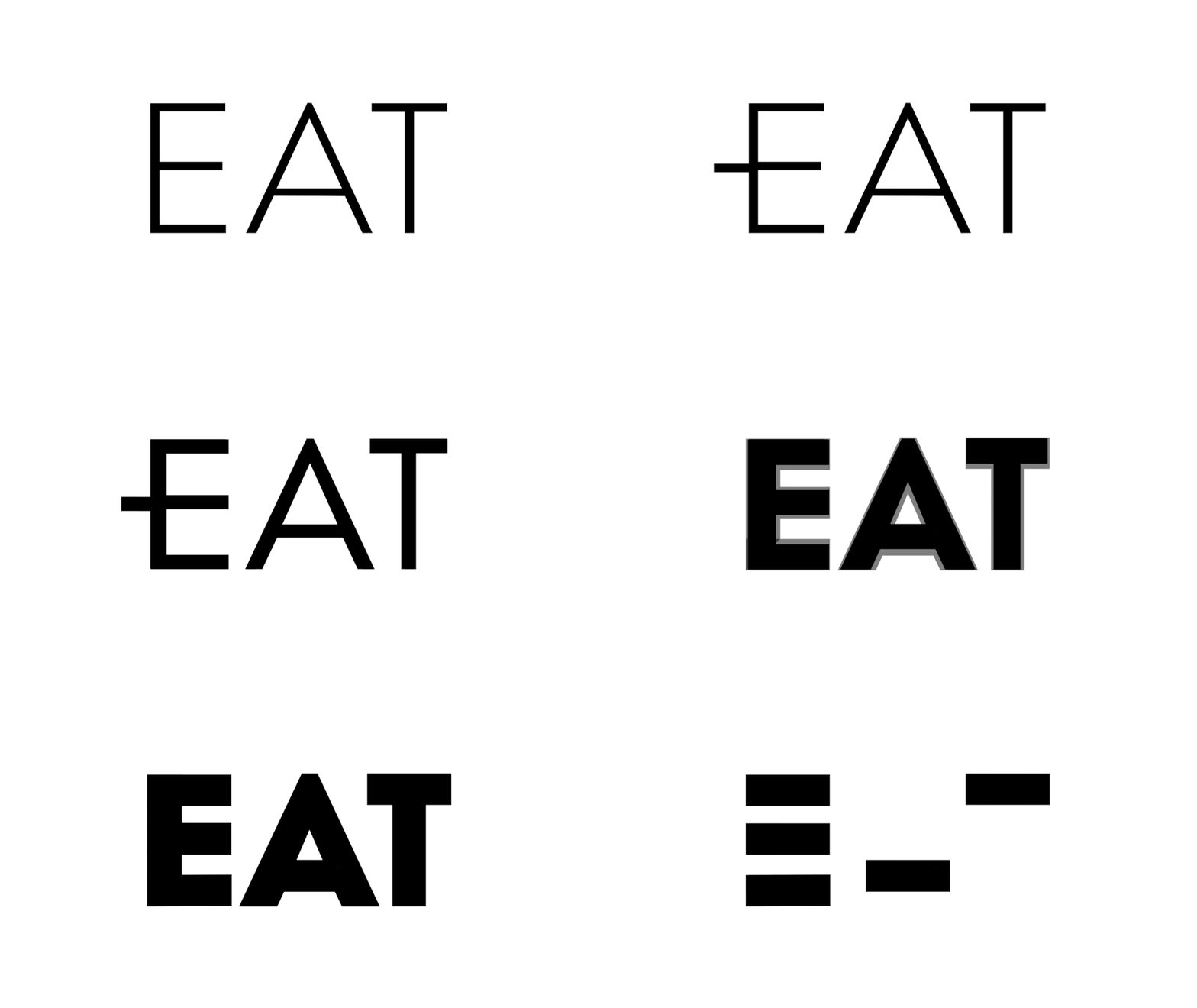
Animated expansion serves other concepts, too. The Eat logo by Fable literally eats as the typographic characters get bigger and bigger with each “bite.”
Thank you Eat by Fable
Share:

Tuesday, June 11, 2019

Advance Auto Parts

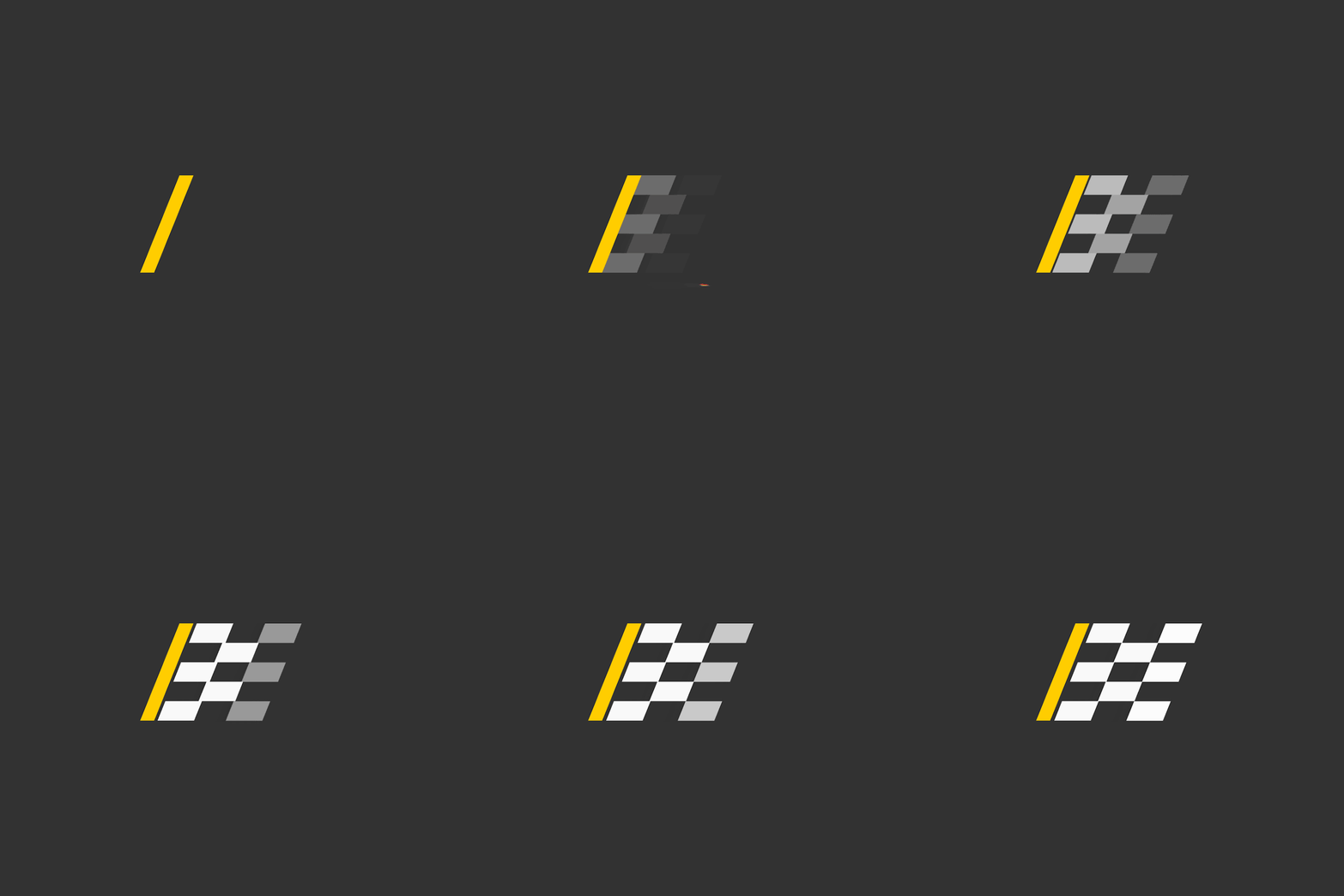
This simple expanding logo, a concept for a loading GIF on the Advance Auto Parts website, evokes speed and progress.
Thank you
Post  by Powder Point Designs
Share:

Monday, June 10, 2019

Ideo Architekci

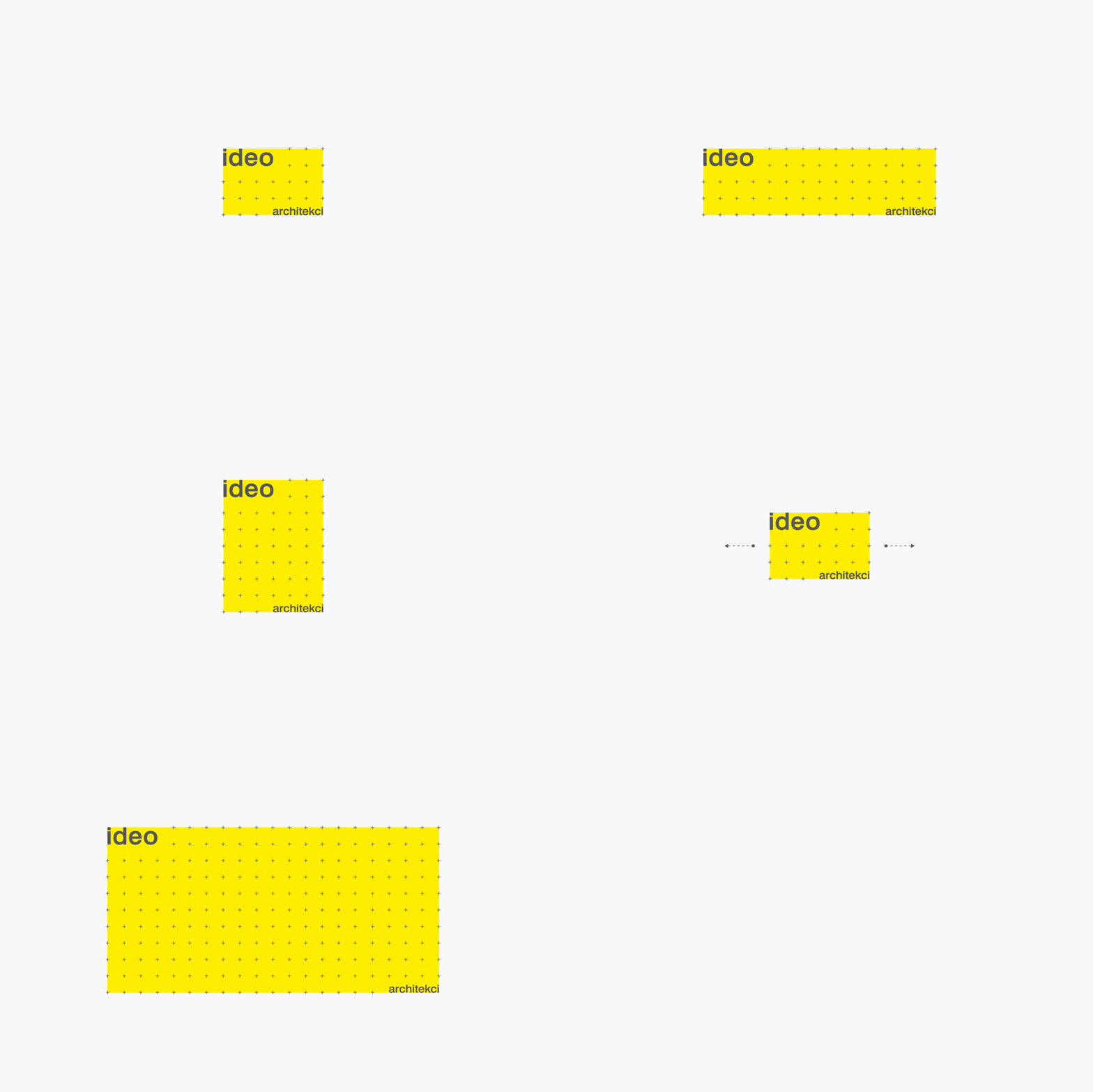
Dynamic branding has always been a challenge of figuring out how to make a logo fit within any dimension or scale. Animation is one tool that can facilitate that process. For example, the Ideo Architekci logo design contains a yellow grid based area that can expand or contract to fill any space. It’s a great solution, especially given that architecture often works with similar grid systems and floorplans.
Thank you
ideo architekci by For Brands
Post by computer zoom  Graphic    
Share:

Sunday, June 9, 2019

Google

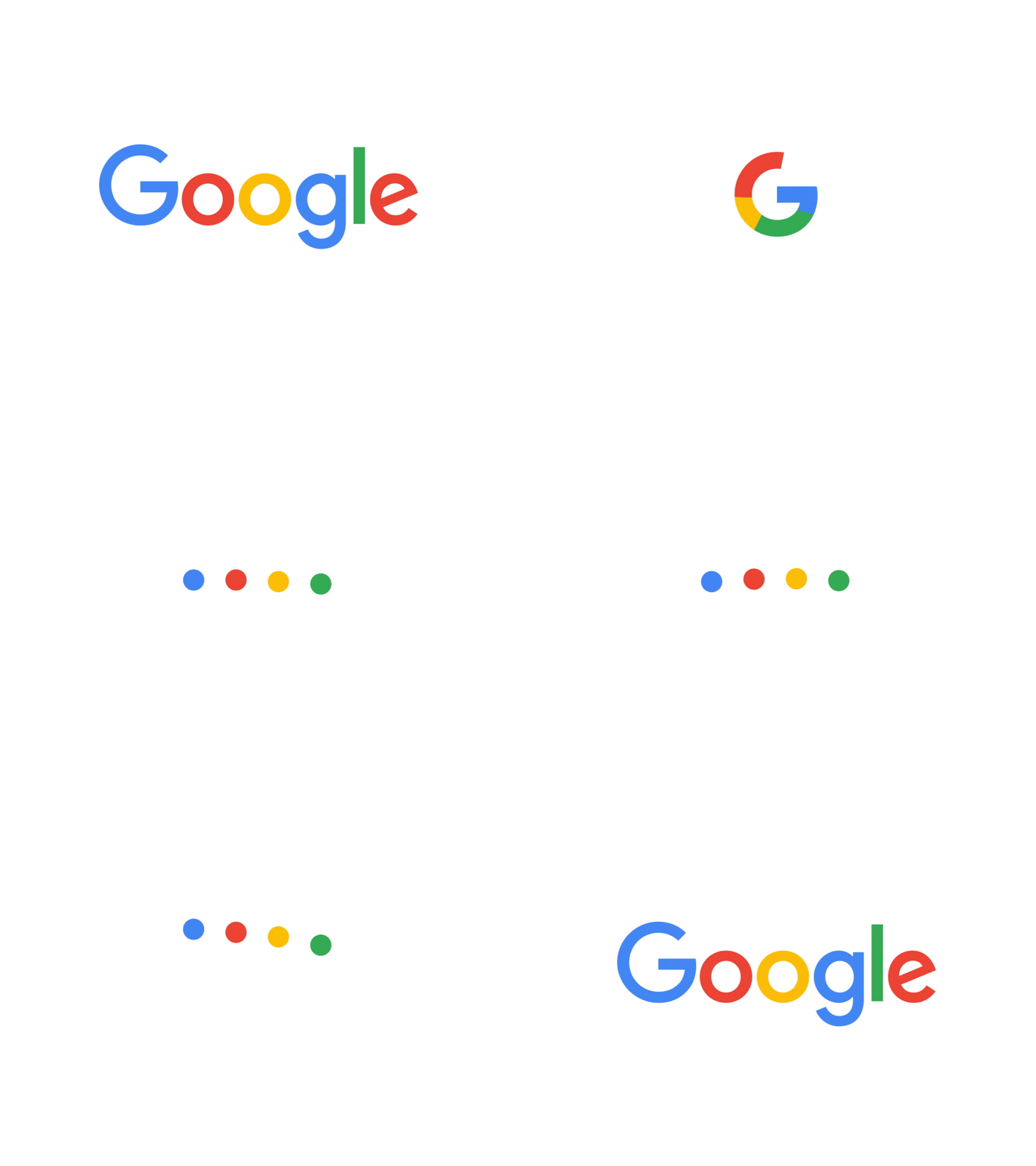
Even Google relies on animation to transform the word “Google” into a microphone, a pulsating wavelength, bouncing dots and a shorthand “G” logo.
Animations for the new Google brand system
Thank you
Google by Adam Grabowski
Post by computer zoom design    
Share:

Friday, June 7, 2019

Feral Sphere

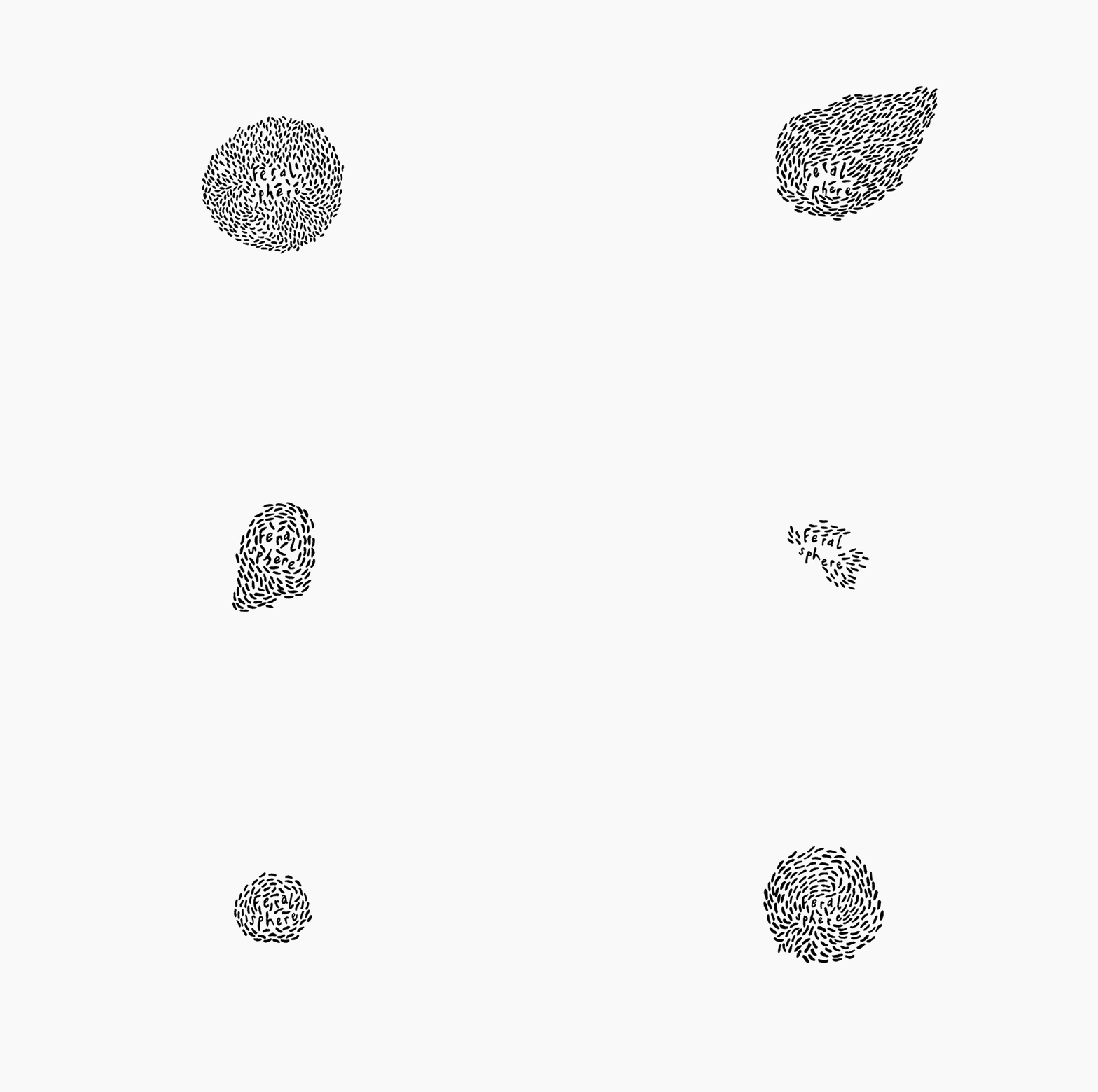
The Feral Sphere logo by Mind Design takes a different approach by using animation as a method for iteration. In other words, each frame of the animation portrays a new version of an organic, living logo. This concept works well for a fashion company that creates their products using organic materials sourced using renewable energy.
Thank you
Feral Sphere by Mind Design
Post by computer zoom design    
Share:

Thursday, June 6, 2019

Embla

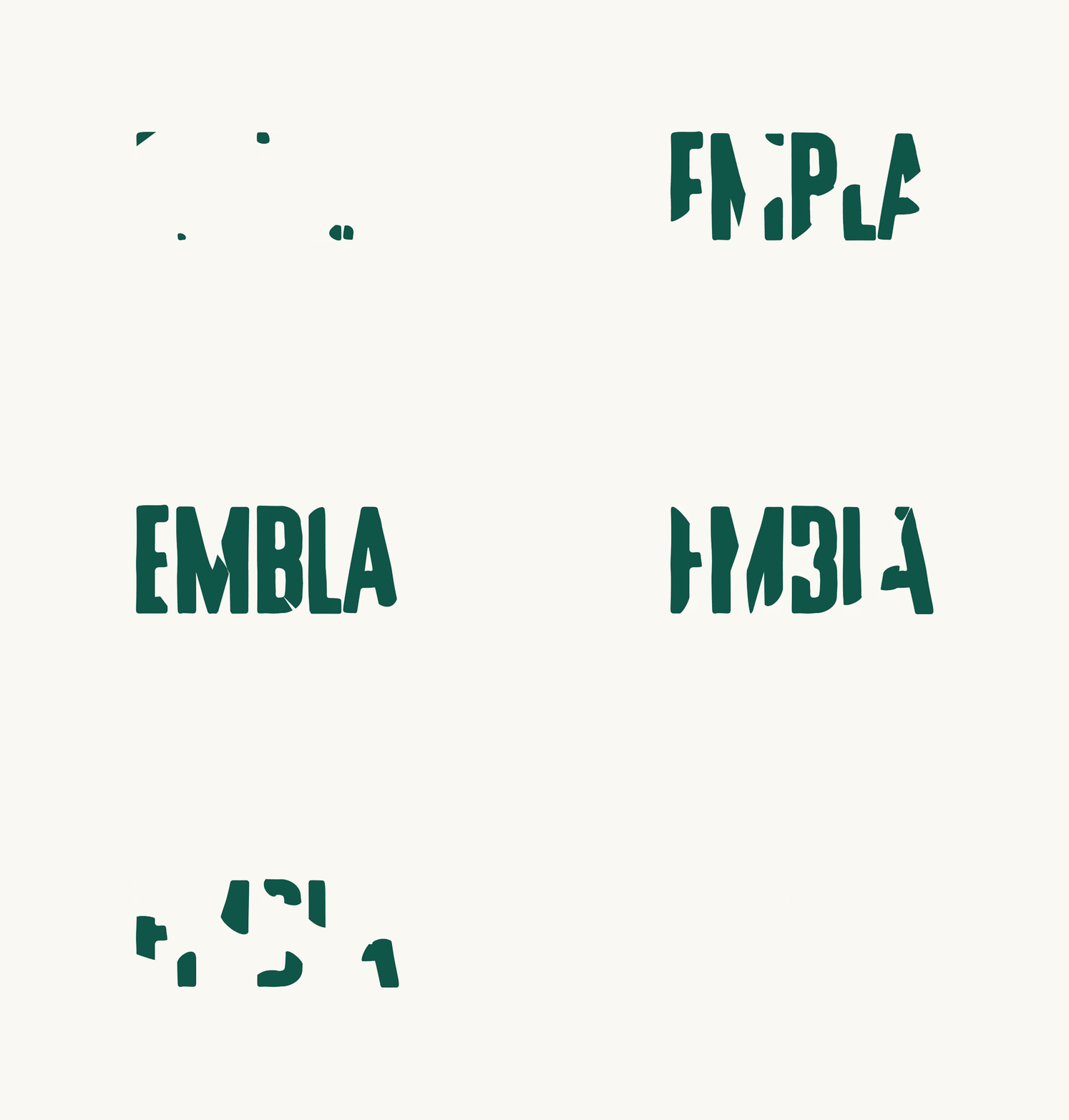
Embla uses animation to visually articulate the process of painting the logo. The animation exaggerates the logos’ hand-drawn appearance by showing us the artistic process.
Thank you  
Embla by A Friend of Mine
Post by computer zoom design    
Share:

Wednesday, June 5, 2019

Tangles


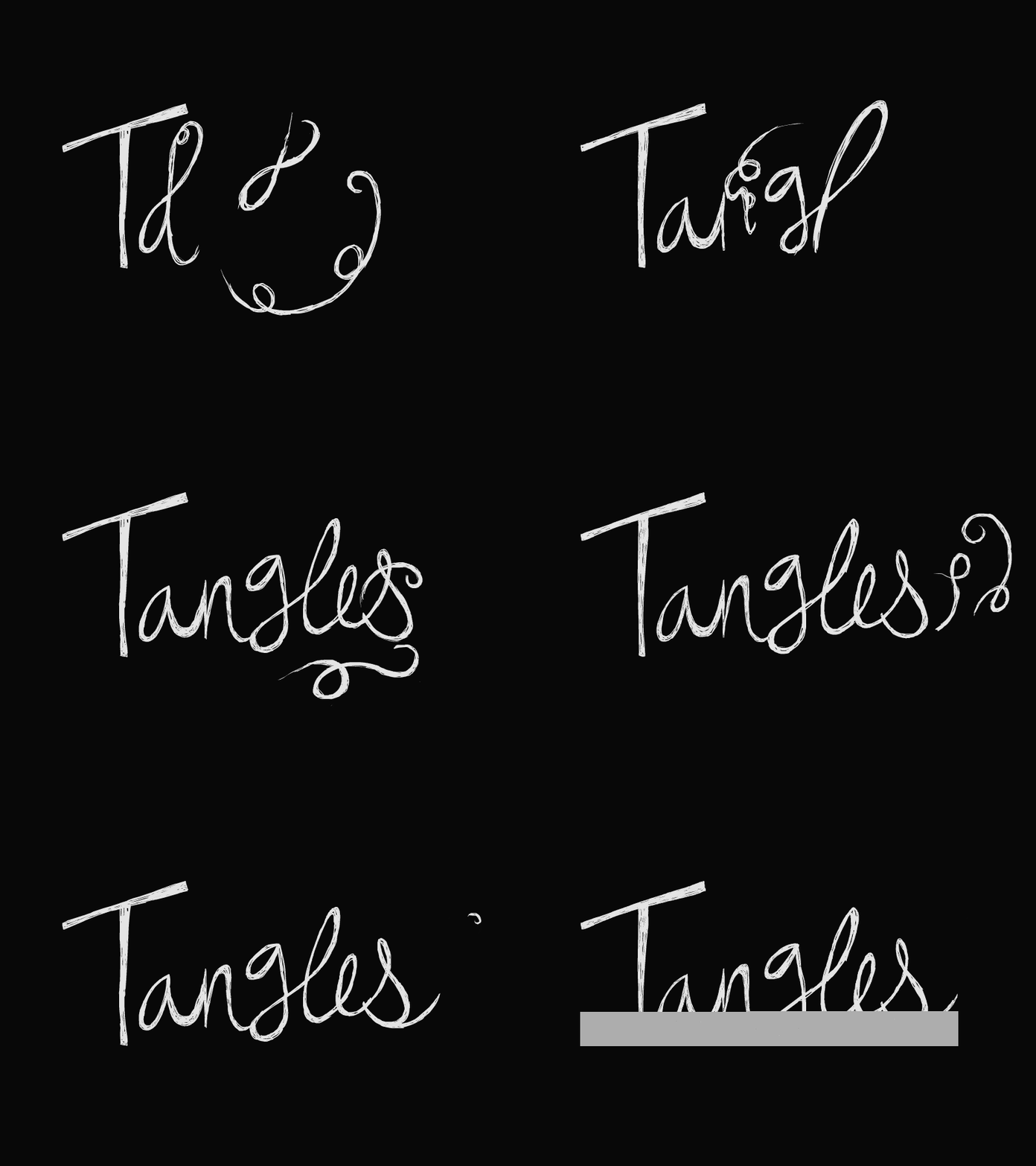
The Tangles logo beautifully depicts all the elegant swirls and flair of hand-drawing a script logo.

Thank you
Tangles by Henrique Barone
Post by computer zoom design    
Share:

Monday, June 3, 2019

Kevin Yang


Designer Kevin Yang uses the visual language of graphic design apps like Photoshop and Illustrator to create a logo design that’s perfect for his industry.
Thank you
  Kevin Yang
Share:

Sunday, June 2, 2019

David Rowland


Similarly, the David Rowland logo by ico Design starts small and goes big with its flashy reveal.
Thank you  
David Rowland by ico Design
Share:

Focus Labs

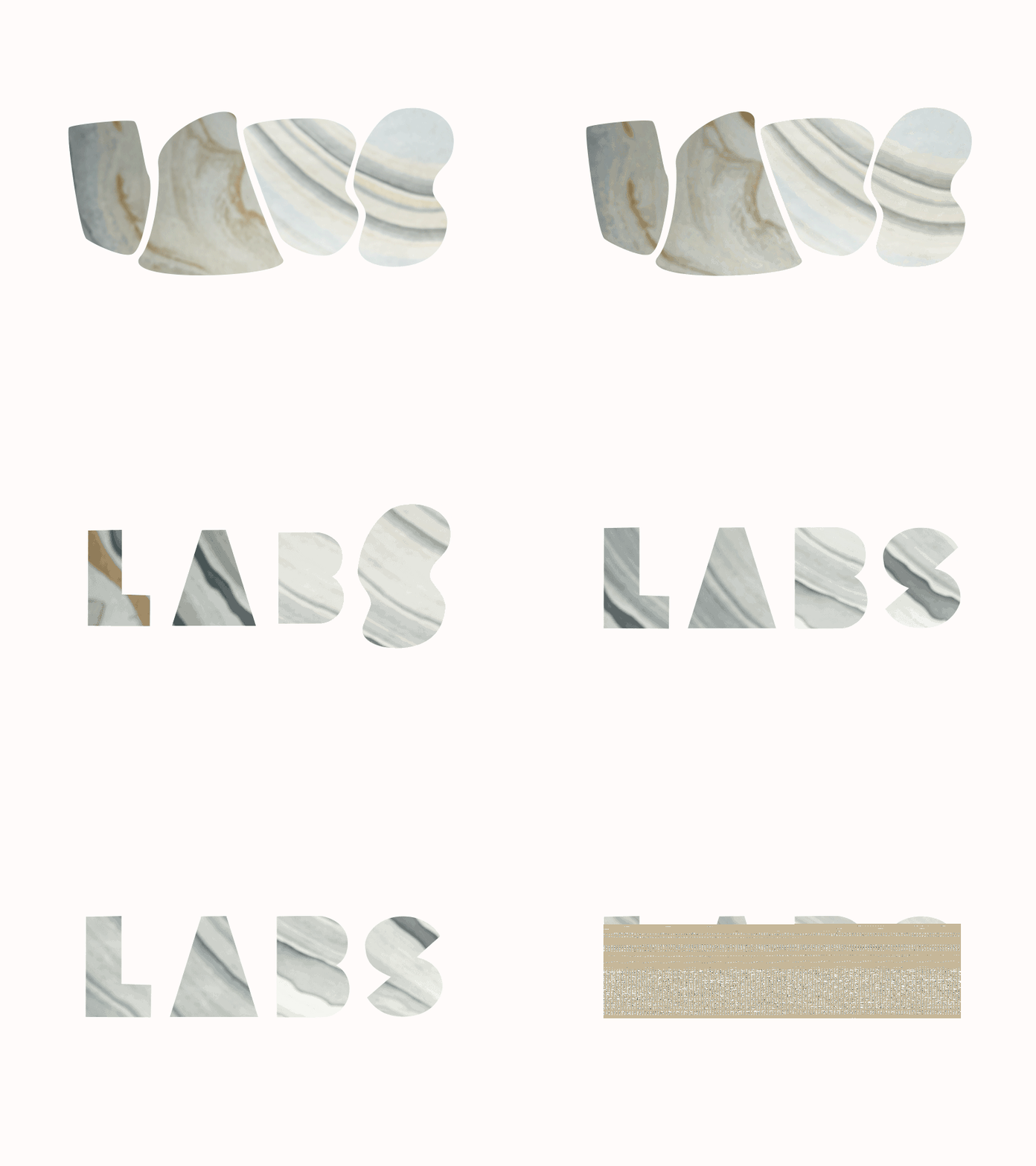
Designer William Kesling morphs the word “Labs” into abstract globs with photographic fills.
Thank you
Focus Labs
Post by computer zoom design    
Share:

Faymus


Hand-drawn logos—both skeuomorphic and real—have been around forever. It’s no surprise that designers have started using animation, like this one for Faymus, to take that style to the next level.
Thank you
Read More 
Post by computer zoom design      
Share:

Saturday, June 1, 2019

99designs


These sample animations of the 99designs logo reveal the logo mark through splashes of color and dynamic wipes that swirl and bounce.
Thank you
  by Maryia Dziadziulia
Share:
 
thehillel.org Directory